
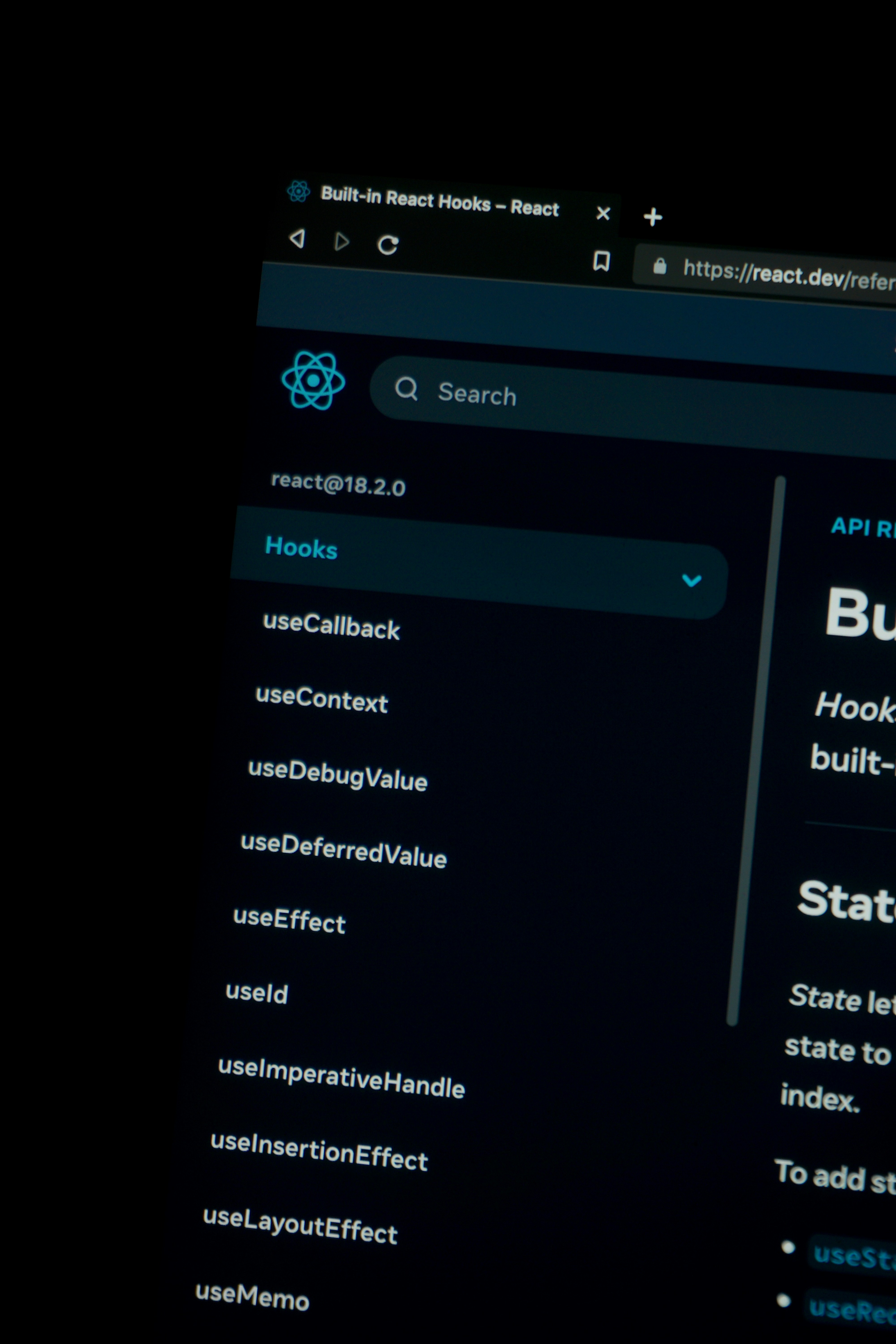
Introduction to React
React is a widely-used JavaScript library developed by Facebook for building user interfaces, particularly for single-page applications. Its significance in modern web development cannot be overstated, as it allows developers to create dynamic and responsive web applications with ease. With its component-based architecture, React encourages developers to build encapsulated components that manage their own state, promoting reusability and easier maintenance.
One of the key features of React is its ability to efficiently update and render the right components when data changes, which is facilitated by a virtual DOM. This approach minimizes direct manipulation of the browser’s DOM, resulting in improved performance and a smoother user experience. React also employs a declarative paradigm, making it simpler for developers to design interactive UIs. Rather than focusing on the implementation details, React allows developers to describe how their application should look based on the current state.
Another significant reason for React’s popularity among developers is its vibrant ecosystem. With a plethora of libraries, tools, and resources available, developers can enhance their applications and streamline their workflows. For instance, state management libraries like Redux and MobX complement React, allowing for more predictable state transitions and efficient data handling in larger applications.
Furthermore, React’s strong community support means that developers have access to a wealth of tutorials, documentation, and third-party plugins, which can accelerate the learning process for beginners. As web development continues to evolve, React remains a top choice due to its scalability, flexibility, and ease of integration with other technologies. Understanding the foundational concepts of React is essential for anyone looking to embark on a career in web development, making this library an invaluable tool in the developer’s toolkit.
Setting Up Your Development Environment
To begin your journey with React, setting up an efficient development environment is essential. The first step in this process is to install Node.js, a JavaScript runtime that enables you to execute JavaScript code outside of a web browser. Node.js comes with a package manager called npm (Node Package Manager), which simplifies the management of packages required for your React applications.
To install Node.js, visit the official website at nodejs.org. Choose the version recommended for most users, as it includes both the runtime and npm. Once the download is complete, follow the installation instructions specific to your operating system. After installation, confirm that Node.js and npm are successfully installed by running the following command in your terminal or command prompt:
node -vnpm -vThese commands will return the currently installed versions of Node.js and npm, indicating they are functioning properly. Next, the recommended approach for creating your first React application is to utilize a tool called create-react-app. This tool allows you to set up a new React project without manual configuration, making it ideal for beginners.
To install create-react-app, run the following command in your terminal:
npm install -g create-react-appAfter the installation is complete, you can create a new React application by executing:
npx create-react-app my-appHere, “my-app” represents the name of your project. This command will generate a directory containing all the necessary files and dependencies for your React application. Navigate into your project directory using:
cd my-appFinally, to start your local development server, run:
npm startYour new React application should now be running on http://localhost:3000. This environment set-up lays the foundation for your coding journey with React.
Understanding JSX
JSX, or JavaScript XML, is a syntax extension for JavaScript that is primarily utilized in React to facilitate the creation of user interfaces. By allowing developers to write code that resembles HTML, JSX simplifies the process of structuring React components. Essentially, it enables developers to blend HTML-like syntax with JavaScript, enhancing readability and intuitiveness. Although it resembles HTML, JSX has some distinct rules that developers must follow, reinforcing its flexibility and power when creating dynamic web applications.
One of the primary benefits of using JSX is its ability to create React elements in a straightforward and declarative way. For instance, rather than using the typical JavaScript function calls to create elements, developers can use familiar HTML tags directly in their code. This approach not only improves the visual structure of the code but also aligns closely with the way components are designed and organized within the React ecosystem. Moreover, JSX compiles down to JavaScript function calls, optimizing performance without compromising the clarity of the source code.
Another notable advantage of JSX is its enhanced readability, which aids developers in understanding the hierarchical structure of components at a glance. Each React component typically returns a single JSX block representing the component’s UI. Consider the following example: a simple button in JSX can be written as <button>Click Me</button>. This snippet succinctly conveys both the component type and its intended use, making it easy for developers to grasp functionality at a glance.
Additionally, JSX allows for the integration of JavaScript expressions within curly braces. This integration enables developers to embed dynamic data seamlessly into their UI, allowing for real-time updates without needing to interact with the DOM manually. Overall, JSX plays a pivotal role in enhancing the effectiveness and efficiency of developing applications with React.
Creating Your First Component
In the world of React, components serve as the foundational building blocks that allow developers to create dynamic user interfaces. To begin creating your first functional component, it is essential to understand its structure and purpose within a React application. A functional component is essentially a JavaScript function that returns a React element, typically represented as JSX (JavaScript XML).
Let’s start with the straightforward steps to define a functional component. First, import React from the ‘react’ library. Then, create a function that has a name starting with an uppercase letter, as React distinguishes components from regular HTML elements based on this capitalization. Within the function, you can return some JSX, which can consist of HTML-like syntax. Here is a simple example:
import React from 'react';function Greeting() {return <h1>Hello, World!</h1>;}After defining the component, the next step is to render it onto the screen. This can typically be accomplished using ReactDOM’s render method, which takes two arguments: the component you want to render and the DOM element where it should be displayed. For instance, you might have:
import ReactDOM from 'react-dom';ReactDOM.render(<Greeting />, document.getElementById('root'));Now that your component is rendered, you may want to make it dynamic and reusable by passing data into it. This is where props come into play. Props, short for properties, allow you to pass information to a component, which can then be utilized within its logic. To include props in your component, modify the function to take an argument:
function Greeting(props) {return <h1>Hello, {props.name}!</h1>;}With these concepts, you can create a basic functional component in React, render it within your application, and make it capable of handling dynamic data using props.
Managing State in React
State management is a crucial aspect of developing applications with React. In React, the term ‘state’ refers to a component’s local data structure that determines how that component renders. Unlike props, which are passed down from parent to child components and are immutable within the child, state is mutable and can be updated, leading to dynamic user interfaces.
React offers several mechanisms to manage state, the most common being the useState hook. This hook is a fundamental part of React’s functional component paradigm, enabling developers to add stateful logic to their function components. By leveraging useState, you can declare state variables, invoke state-updating functions, and trigger re-renders when state changes occur.
Here is a simple example of how the useState hook is implemented:
const [count, setCount] = useState(0);In this case, count is the state variable, initialized to 0, and setCount is the function that updates the count. When the user interacts with the component, calling setCount with a new value will cause the component to re-render to reflect the updated count.
While useState is effective for managing local state, applications often require managing global state that transcends multiple components. Here, React Context comes into play. Context allows developers to share data across the component tree without passing props explicitly at every level. This method is especially useful in scenarios where the state needs to be accessible in multiple locations, promoting cleaner and more maintainable code.
In summary, understanding the difference between state and props is vital, as is mastering the use of the useState hook for local state management. Additionally, by utilizing Context, developers can effectively manage global state, leading to well-structured and efficient React applications.
Handling Events in React
Event handling is a fundamental aspect of creating interactive applications in React. React simplifies the process of adding event listeners to components, allowing developers to create responsive user interfaces with ease. To begin handling events in React, one must first understand the syntax and methodology for attaching event handlers. In React, events are named using camelCase, and instead of passing a string to an event handler, a function is passed.
For example, if you want to handle a click event, you would use the onClick prop on a button element like this:
<button onClick={this.handleClick}>Click Me</button>In this example, handleClick is a method defined in the component’s class that executes when the button is clicked. It is important to bind the event handler in the constructor if you’re using class components. An alternative approach with functional components is to utilize the useState and useEffect hooks, which can also retain and respond to various UI states.
Common events in React include mouse events such as onClick, onMouseOver, or keyboard events such as onKeyPress and onKeyDown. Additionally, handling form submissions can be accomplished using the onSubmit event. For instance, when handling a form submission, it is common to prevent the default behavior, allowing for custom processing of the input data.
handleSubmit = (event) => {event.preventDefault();// Custom form handling logic};Implementing event handlers effectively can significantly enhance the user experience by providing real-time feedback and interactivity. Mastering event handling in React is a crucial skill for building modern web applications, making it easier for developers to create dynamic interfaces that react intuitively to user actions.
Working with Lifecycle Methods
In the realm of React, lifecycle methods play a pivotal role in managing the various stages of a component’s existence within an application. These methods facilitate the execution of specific code at critical points during a component’s lifecycle, such as when it is being mounted, updated, or unmounted. Understanding when and how to utilize these methods is fundamental for both performance optimization and resource management in any React application.
A primary lifecycle method, componentDidMount, is invoked immediately after a component is added to the DOM. This is an ideal spot for operations that require interaction with the DOM or fetching data from an API. For instance, if a developer needs to load user information upon the first render of a user profile component, componentDidMount provides an appropriate venue for making the API call. It ensures that the component is fully ready and has been rendered, allowing for a seamless user experience.
On the other hand, componentWillUnmount is another crucial method that is triggered just before a component is removed from the DOM. This is particularly important for clean-up tasks, such as invalidating timers or canceling network requests, which can prevent potential memory leaks. Leveraging componentWillUnmount ensures that any resources that may be tied to the lifecycle of the component are properly released, maintaining optimal performance throughout the application’s lifecycle.
In addition to these, React provides several other lifecycle methods, including componentDidUpdate and shouldComponentUpdate, which serve specific purposes in handling updates and rendering logic. By grasping the intricacies of lifecycle methods, developers can build efficient and maintainable React applications that rely on predictable behavior during the various phases of a component’s lifecycle.
Building a Simple Application
To solidify your understanding of React, let’s delve into building a simple application that encapsulates essential concepts and practices. This hands-on project will give you a practical perspective on how to design, structure, and implement features using React.
First, choose a straightforward application idea, like a to-do list or a weather forecast app. This allows you to focus on the core functionalities without getting overwhelmed. For our example, we will create a to-do list. Start by setting up your React development environment. Use Create React App to bootstrap a new application, which provides a solid foundation with minimal configuration needed. Simply run npx create-react-app my-todo-app, and you’re set to go.
Next, think about the structure of your application. Divide it into components, which are the building blocks of any React application. For a to-do list, consider creating components for the input field, the list of tasks, and individual task items. This modular approach not only makes your code cleaner but also enhances reusability.
After defining your components, implement state management using the useState hook to handle the list of tasks. This will allow you to add or remove tasks seamlessly. For the display of tasks, map over your state to render each task within its component. Ensure that each task has a unique key, which is critical for performance and to prevent issues when tasks change.
As you build, follow best practices: keep your components small, manage state appropriately, and utilize props for data flow. Once your basic functionality is in place, you can enhance your application with features like marking tasks as complete or filtering tasks based on their status.
With the core functionality established, you will develop not only your foundational skills in React but also an appreciation for its robust component-based architecture.
Conclusion and Next Steps
In summarizing the key points covered in this guide on React for beginners, it is essential to recognize the significance of foundational concepts such as components, state management, and props, which are the building blocks of React applications. Understanding these fundamental aspects allows developers to create dynamic user interfaces effectively. Additionally, we explored the importance of the Virtual DOM and how it enhances performance by minimizing direct interactions with the real DOM.
Moreover, we delved into the features of React, such as functional and class components, hooks, and the context API, which provide robust solutions for managing state and lifecycle events. These tools not only simplify development but also contribute to the modularity and reusability of the code. As one continues to learn and grow within the React ecosystem, it is vital to stay abreast of the latest methodologies and practices that underpin React development.
For beginners eager to deepen their React knowledge, several next steps can be taken. First, exploring additional libraries and frameworks that complement React, such as Redux for state management or React Router for handling navigation, can significantly enhance your skill set. Engaging with the React community through forums like Stack Overflow and joining local meetups or online discussions can provide valuable insights and resources. Additionally, undertaking projects that require building more complex applications will not only solidify your understanding of React but also expand your practical experience.
By consistently practicing and tackling new challenges, you can transition from a beginner to a proficient React developer. Continuously seek learning opportunities that will enrich your understanding of this powerful library and keep you informed about upcoming trends in the React ecosystem.
